In-game diplomacy import
Start your alliance relations from in-game diplomacy information.
Alliance Command
Alliance Command brings your members, defence calls, operations, and shared intelligence into one Vangrd workspace.
Coordinate one alliance or several alliances in a coalition. Members can contribute without an agent.
Page content and feature list reviewed on this date.
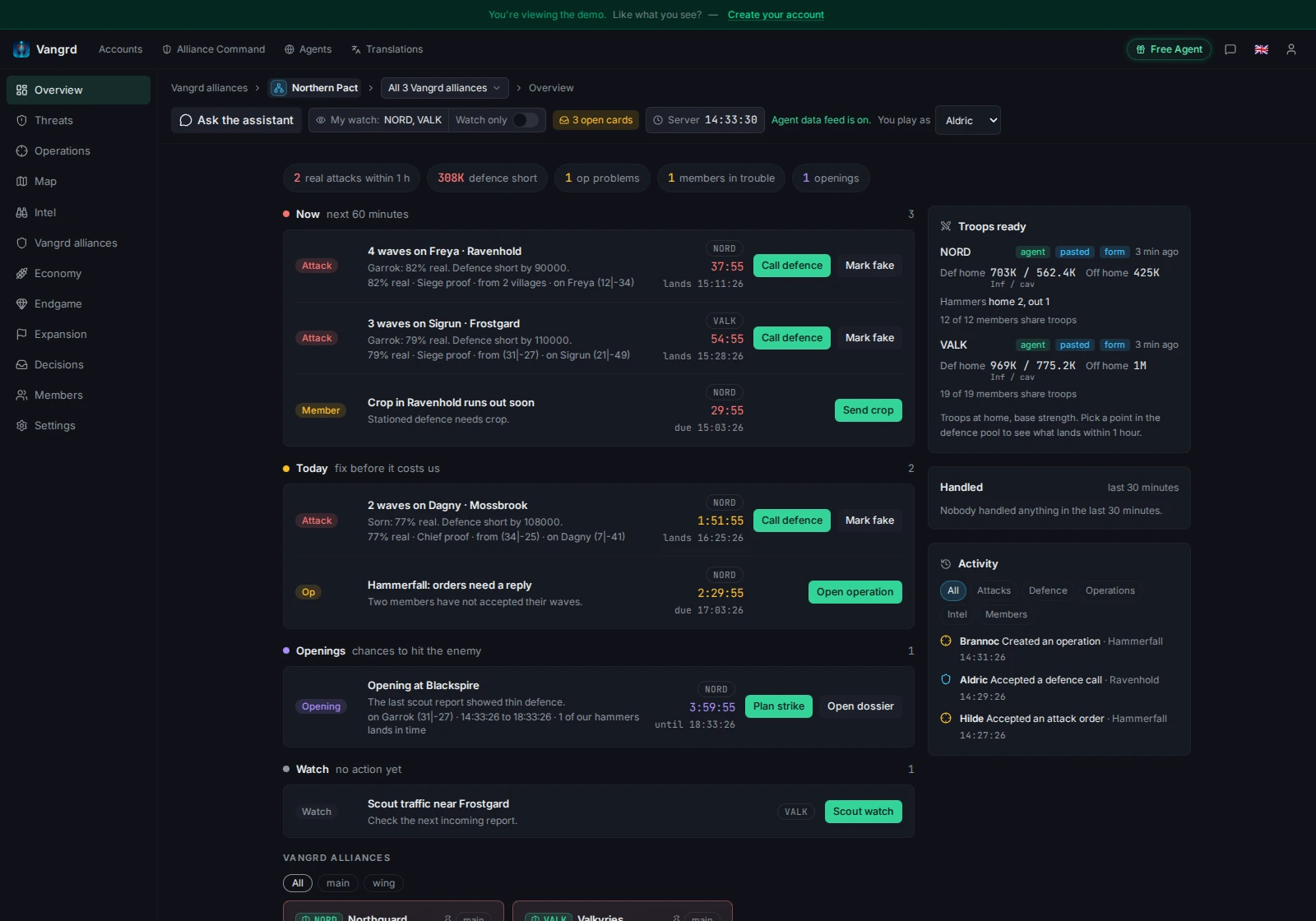
Your members need a Vangrd user account. They do not need a paid agent to join or contribute.
Paste supported game pages to share incoming attacks, troops, resources, or reports. Check the preview, correct fields, and save the information. Use manual forms when you want to enter a record yourself.
The member roster brings shared villages, troops, incoming attacks, and data age together. Members choose which information they share. Leaders set permissions for the work each member can do.
An optional agent can refresh eligible records for a linked account. Manual members and agent users contribute to the same alliance workspace.
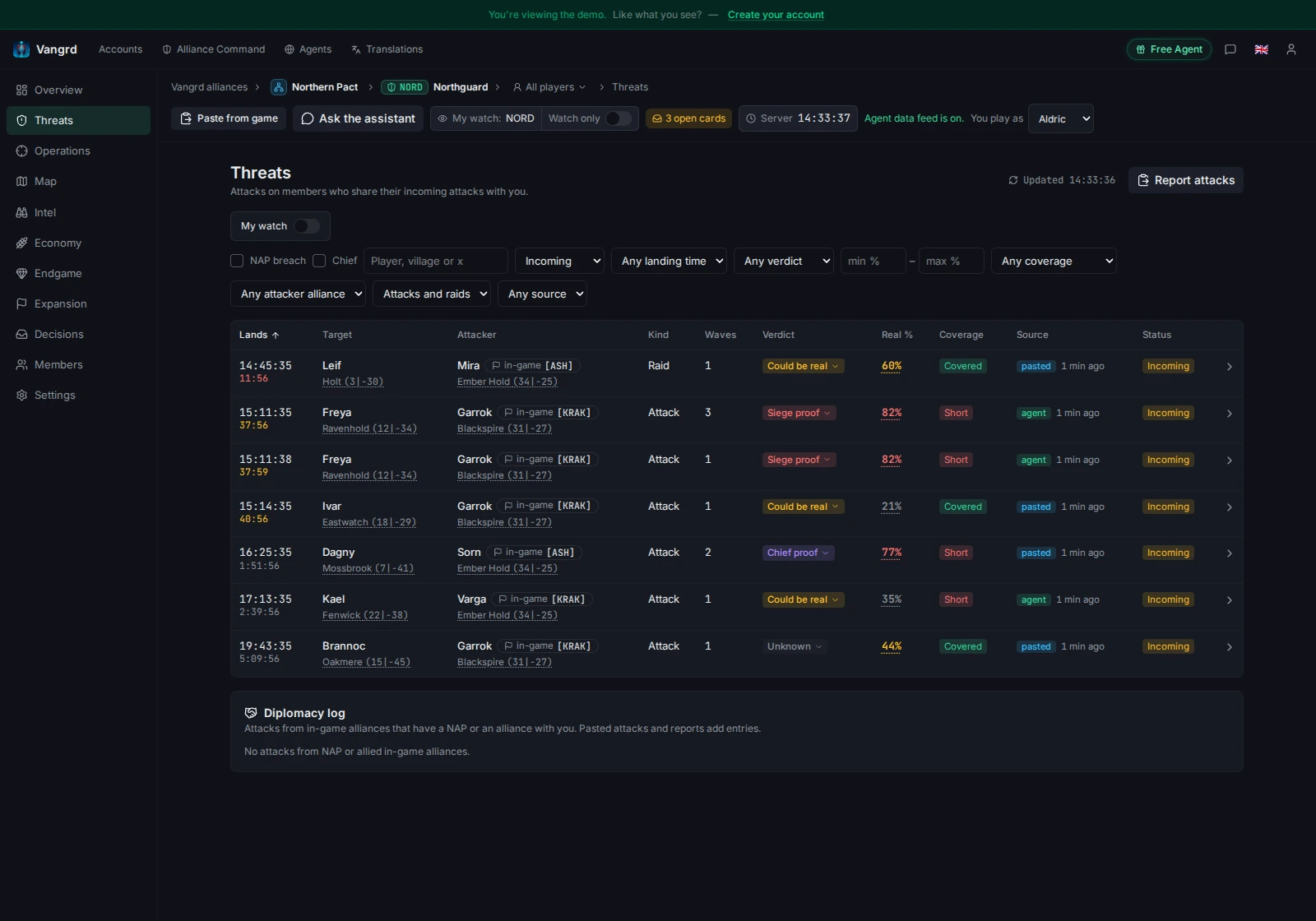
Review shared incoming attacks in the Priority feed and threat board. Check arrival times and data age before you choose a response.
Create a defence call for a target and collect commitments from members. Use normal, permanent, or between-wave calls to match the defence you need. Give manual players send sheets and record proof after they send.
Connect Discord or Telegram to route alerts and decision cards to your group. Members can respond through the configured channels. Manual members still use their send sheets to act in the game.
Build operations with targets, waves, and fakes. Collect troop submissions, then give participants their assignments and manual send sheets. The planner records send and landing times down to the second.
Invite outside participants with a guest link for a call or operation. They see the target and arrival window without access to your member roster or full operation.
Automated sends need an eligible linked agent, send permissions, and member consent. Members can plan and send manually without an agent.
Bring Vangrd alliances from the same gameworld into a coalition. Switch between the coalition view and individual alliance views as you coordinate shared work. Each alliance can belong to one active coalition.
Members choose what they share with their alliance. Each alliance also chooses what it shares with the coalition. Coalition members see only information allowed by both sharing choices and their permissions.
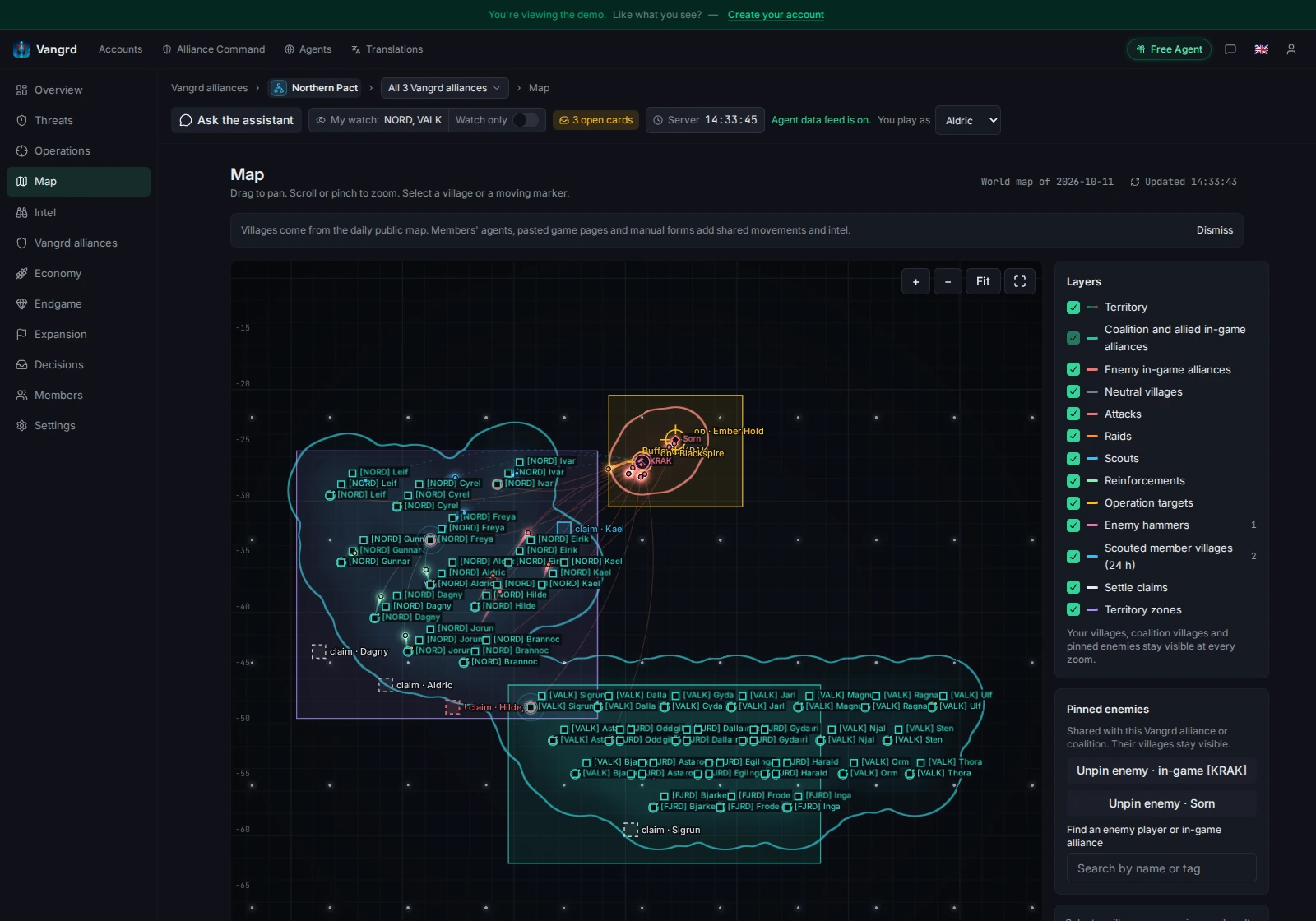
Use the shared map to review villages, settlement claims, and territory zones. Set permissions for coalition coordination while each alliance keeps its own membership and sharing choices.
Your Vangrd alliance is a coordination group. You can link an in-game alliance as a reference without making game membership control Vangrd access.
Share pasted reports and observations for enemy dossiers and scouting. Review alliance relations and map information alongside your group's records.
Coordinate resource pushes and crop requests. Record resource deliveries from trade reports, marketplace pastes, or manual forms. Review recorded deliveries before you assign more support.
Plan artefact work with your alliance. Coordinate Wonder of the World feeding and defence with quotas, receipts, and shared plans.
Review audit records when membership or permissions change. Export permitted data as CSV and set your group's data retention.
You can start with manual data and connect an agent later.
To coordinate several alliances, create a coalition and invite their leaders to join.
Open Alliance CommandPlanned additions. Release dates are not announced.
Start your alliance relations from in-game diplomacy information.
Let an optional agent add resource delivery evidence from trade reports.
No. Members can share data by paste or form and use manual send sheets. An agent is optional.
Yes. Alliance Command is free. Optional agents have separate charges. See agent pricing.
agent pricingYes. Bring Vangrd alliances from the same gameworld into a coalition. Each alliance controls what it shares with that coalition.
No. Members choose their sharing settings. Alliance and coalition permissions control who can see shared information and manage group work.
Alliance Command provides shared member, defence, operation, and coalition workspaces. Ally attack alerts cover a separate account-level alert workflow.
Ally attack alerts